Changing your email? Your licence is tied to it — email hello@joblogist.com and we'll move it for you.
Manage your account.
Type commands below — same as the Discord bot, but right here in your browser.
📖 Command Reference
| Command | Description | Tier |
|---|---|---|
| help | Show available commands | All |
| status | View license status, tier, device binding, and subscription info | All |
| deactivate | Unbind your license from current device (requires confirmation) | All |
| transfer | Check remaining device transfers this year | All |
| stats | View community aggregate stats | Global+ |
| referral | View your referral code and share link | All |
| gift <email> | Gift your license key to someone (after job acceptance) | All |
| pool | Donate your key to the community pool | All |
| subscription | Manage subscription — opens Stripe Billing Portal | Subscribers |
| upgrade | View upgrade options | Desktop |
| clear | Clear the terminal | All |
Commands call the same API endpoints as the Discord bot. All actions are server-authoritative.
Where job seekers are.
The public map shows where applications go. The member map adds the layer that shows where job seekers live — contributor counts and outcome figures per metro, the four cross-tabs, and where you stand among people rather than among applications.
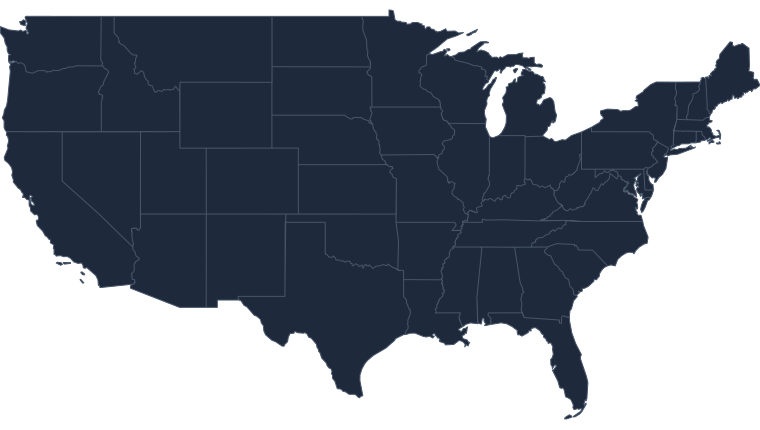
A preview, not a live map. Every state is drawn and every state is grey — and grey means withheld, not zero. On the live map a cell lights up only once at least five separate contributors are counted in it. Alaska and Hawaii are missing here and present there.
The community map is free and needs no login.
Need a hand?
📖 Getting Started
New to JobApp? Here's how to activate your key, set up your first application, and start getting insights.
Read the Guide →🔑 License & Activation
Key not working? Need to transfer devices? Understand device binding, transfers, and troubleshooting.
License Help →🧠 Intelligence Engine
How the 3-layer insight engine works, what the scores mean, and how to get the most out of your data.
Learn More →📊 Community Features
How anonymous data sharing works, what global insights include, and how to opt in or out.
Community Guide →🎁 Gifting & Referrals
Got a job? Learn how to gift your key to a friend, donate to the pool, or share your referral code.
Gifting Guide →🐛 Bug Reports
Found a bug or something not working right? Let us know. Every report helps make JobApp better.
Report a Bug →Still need help?
Guides didn't cover it? Reach out directly. I respond to everything.
Prefer the Discord bot? All commands here are also available via !command in the Discord server.